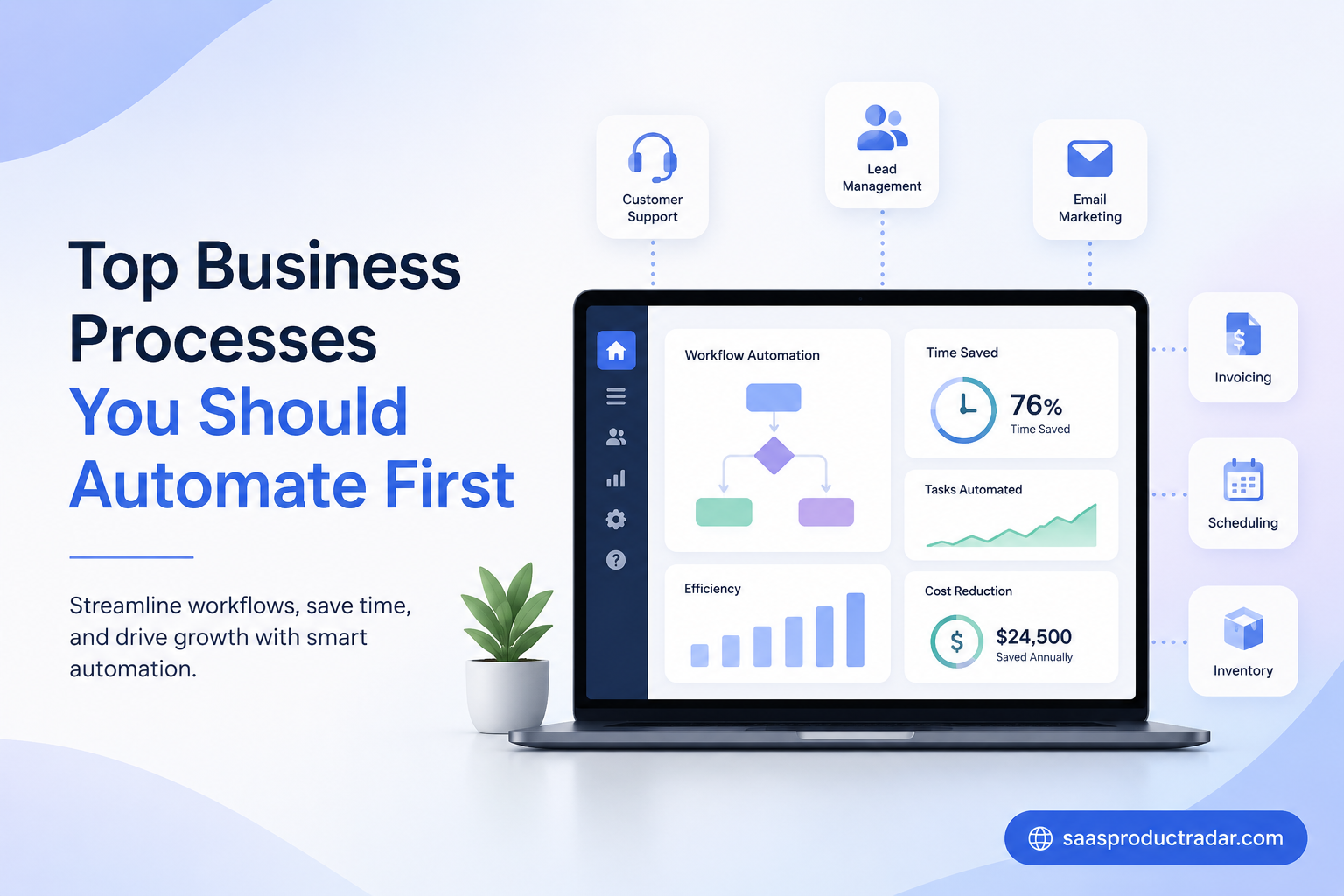
Business automation is no longer a luxury for large companies. Today, businesses of all sizes use workflow automation to save time, reduce errors, and improve productivity. Many daily tasks still require manual work, which often slows teams and creates unnecessary costs. By automating repetitive business processes, companies can focus on growth, customer satisfaction, and strategic goals. The good news is that you do not need to automate everything at once. Starting with the right processes can deliver immediate results. This guide explores the top business processes you should automate first and explains how automation can improve efficiency across your organization.
Customer Support Ticket Management
Customer support teams often spend hours sorting, assigning, and responding to tickets every day. Manual ticket handling can create delays and increase customer frustration. Workflow automation helps organize incoming requests and routes them to the right team members automatically.
Automated customer support systems can prioritize urgent issues based on keywords, customer history, or service levels. This allows support agents to focus on solving problems instead of spending time on administrative work. Faster responses improve customer satisfaction and strengthen customer relationships.
Many businesses also use support automation to send status updates and follow-up messages automatically. These features reduce workload while keeping customers informed. As a result, companies can handle more requests without increasing support staff.
Lead Capture and Lead Management
Generating leads is important, but managing them manually can quickly become overwhelming. Businesses often collect leads from websites, forms, social media, and email campaigns. Automation ensures every lead enters the sales pipeline without delays.
Lead management automation automatically stores customer information in a CRM system. It can assign leads to sales representatives, track interactions, and update records in real time. This reduces the risk of missed opportunities and improves team coordination.
Businesses can also automate lead scoring based on customer behavior and engagement. Sales teams then focus on high-quality prospects who are more likely to convert. This improves efficiency and increases overall sales performance.
Email Marketing Campaigns
Email marketing remains one of the most effective digital marketing strategies. However, manually sending emails to hundreds or thousands of contacts is inefficient. Marketing automation simplifies the process and improves campaign performance.
Businesses can create automated email sequences that welcome new subscribers, nurture leads, and re-engage inactive customers. These campaigns deliver relevant content at the right time without requiring constant manual effort from marketing teams.
Automation tools also track open rates, clicks, and customer behavior. This information helps marketers improve future campaigns and increase engagement. Automated email marketing saves time while generating consistent communication with potential customers.
Invoice and Billing Processes
Managing invoices manually often leads to errors, delayed payments, and unnecessary administrative work. Automating billing processes helps businesses maintain accurate financial records while improving cash flow management.
Automated invoicing software can generate invoices, send payment reminders, and track outstanding balances automatically. This reduces the need for manual follow-ups and minimizes mistakes that could affect customer relationships.
Businesses also benefit from faster payment collection and improved reporting. Automation provides better visibility into financial performance and helps teams spend less time on repetitive accounting tasks. This makes billing one of the best processes to automate first.
Employee Onboarding
Employee onboarding involves many repetitive tasks that consume valuable time. Human resources teams must prepare documents, assign training materials, and coordinate access to company systems for every new hire.
Automation helps streamline onboarding by sending welcome emails, collecting required information, and assigning training programs automatically. This creates a more consistent experience for employees while reducing administrative responsibilities for HR teams.
New employees can begin contributing faster because they receive the resources they need immediately. Automated onboarding improves efficiency, enhances employee satisfaction, and ensures important steps are not overlooked during the hiring process.
Social Media Scheduling
Managing multiple social media accounts manually requires significant effort and planning. Businesses must create content, schedule posts, and monitor engagement across different platforms regularly. Automation helps simplify these responsibilities.
Social media automation tools allow teams to schedule content weeks or months in advance. This ensures a consistent online presence while reducing the need for daily posting activities. Teams can focus on content quality instead.
Many automation platforms also provide analytics and performance tracking features. Businesses gain insights into audience behavior and campaign effectiveness. Better data helps improve future marketing strategies and increases overall social media performance.
Data Entry and Record Management
Data entry is one of the most common repetitive business tasks. Employees often spend hours transferring information between systems, updating records, and organizing databases. These manual activities increase the risk of costly errors.
Business process automation eliminates much of this work by automatically collecting, updating, and synchronizing data across platforms. This improves accuracy while reducing the amount of time employees spend on administrative tasks.
Accurate records support better decision-making throughout the organization. Teams can access current information without searching through multiple systems. Automating data management improves productivity and creates a stronger foundation for business growth.
Appointment Scheduling
Scheduling appointments manually often involves multiple emails, phone calls, and calendar updates. This process consumes time for both employees and customers. Automation helps simplify scheduling and reduce unnecessary communication.
Automated scheduling software allows customers to choose available time slots online. The system automatically updates calendars, sends confirmations, and delivers reminders before appointments occur. This reduces scheduling conflicts and missed meetings.
Businesses benefit from improved efficiency and a better customer experience. Employees spend less time coordinating schedules and more time focusing on valuable activities. Appointment scheduling is often one of the easiest automation opportunities to implement.
Inventory Management
Inventory management is essential for businesses that sell products. Manual inventory tracking can lead to stock shortages, overstocking, and inaccurate records. These issues affect customer satisfaction and business profitability.
Automation helps monitor inventory levels in real time. Systems can automatically update stock counts, generate purchase orders, and notify managers when inventory reaches predefined thresholds. This reduces human error and improves operational efficiency.
Businesses gain better visibility into product availability and demand trends. Automated inventory management supports smarter purchasing decisions while helping companies avoid unnecessary costs associated with poor stock control practices.
Internal Workflow Approvals
Many businesses rely on approval processes for expenses, purchases, contracts, and project requests. Manual approvals often create delays because documents must move between departments before receiving authorization.
Workflow automation routes requests directly to the appropriate decision-makers. Notifications and reminders help ensure approvals happen quickly without requiring constant follow-up from employees. This keeps projects moving forward efficiently.
Automated approval workflows also improve transparency and accountability. Businesses can track every step of the process and maintain accurate records for future reference. Faster approvals contribute to greater productivity across the entire organization.
In Summary
Business process automation helps organizations operate more efficiently while reducing repetitive work. Instead of trying to automate everything immediately, businesses should focus on high-impact processes first. Customer support, lead management, email marketing, invoicing, onboarding, social media management, data entry, scheduling, inventory tracking, and workflow approvals are excellent starting points. These areas often deliver quick wins and measurable results. By adopting workflow automation gradually, businesses can improve productivity, reduce operational costs, and create better experiences for both employees and customers. The sooner you automate key business processes, the sooner your organization can focus on growth and long-term success.
Frequently Asked Questions
1. What is business process automation?
Business process automation is the use of software and technology to perform repetitive tasks with minimal human involvement. It helps businesses save time, reduce errors, and improve efficiency. Common examples include automated invoicing, customer support automation, workflow automation, and lead management systems that streamline daily operations.
2. Why is workflow automation important for businesses?
Workflow automation improves productivity by reducing manual work and ensuring tasks move smoothly between teams. It helps employees focus on strategic activities instead of repetitive processes. Businesses benefit from faster approvals, better communication, improved accuracy, and more consistent results across different departments and business functions.
3. Which business processes should be automated first?
Businesses should start with repetitive and time-consuming tasks. Customer support automation, lead management, email marketing automation, invoice processing, appointment scheduling, employee onboarding, and data entry are often the best places to begin. These processes typically deliver quick efficiency gains and measurable business improvements.
4. How does customer support automation improve service quality?
Customer support automation helps businesses respond to customer inquiries faster. Automated ticket routing, status updates, and chatbot assistance reduce waiting times and improve customer satisfaction. Support teams can focus on solving complex issues while automation handles routine tasks and repetitive customer interactions efficiently.
5. What are the benefits of automating lead management?
Automated lead management ensures every lead is captured, organized, and tracked properly. It reduces the chances of missed opportunities and helps sales teams focus on qualified prospects. Businesses can improve conversion rates, strengthen customer relationships, and create a more efficient sales process through automation.
6. Can email marketing automation increase conversions?
Yes. Email marketing automation allows businesses to send personalized messages at the right time. Automated campaigns can nurture leads, welcome new subscribers, and re-engage inactive customers. This consistent communication improves engagement, builds trust, and often leads to higher conversion rates and stronger customer retention.
7. How does automation improve employee onboarding?
Employee onboarding automation streamlines tasks such as document collection, training assignments, and welcome communications. New hires receive important information quickly, allowing them to become productive faster. HR teams save time, reduce administrative work, and provide a more consistent onboarding experience for every employee.
8. Is inventory management automation suitable for small businesses?
Yes. Inventory management automation benefits businesses of all sizes. Automated systems track stock levels, update records in real time, and generate alerts when inventory runs low. Small businesses can reduce costly errors, improve product availability, and make smarter purchasing decisions with minimal effort.
9. How does appointment scheduling automation help businesses?
Appointment scheduling automation allows customers to book available time slots without manual coordination. Automated confirmations and reminders reduce missed appointments and scheduling conflicts. Businesses save time, improve customer experience, and ensure calendars remain accurate while minimizing administrative responsibilities for employees.
10. What are the long-term benefits of business automation?
Business automation supports long-term growth by increasing productivity, reducing operational costs, and improving accuracy. Automated workflows help businesses scale more efficiently while maintaining quality service. Over time, organizations gain better data insights, stronger customer experiences, and more opportunities to focus on innovation and growth.