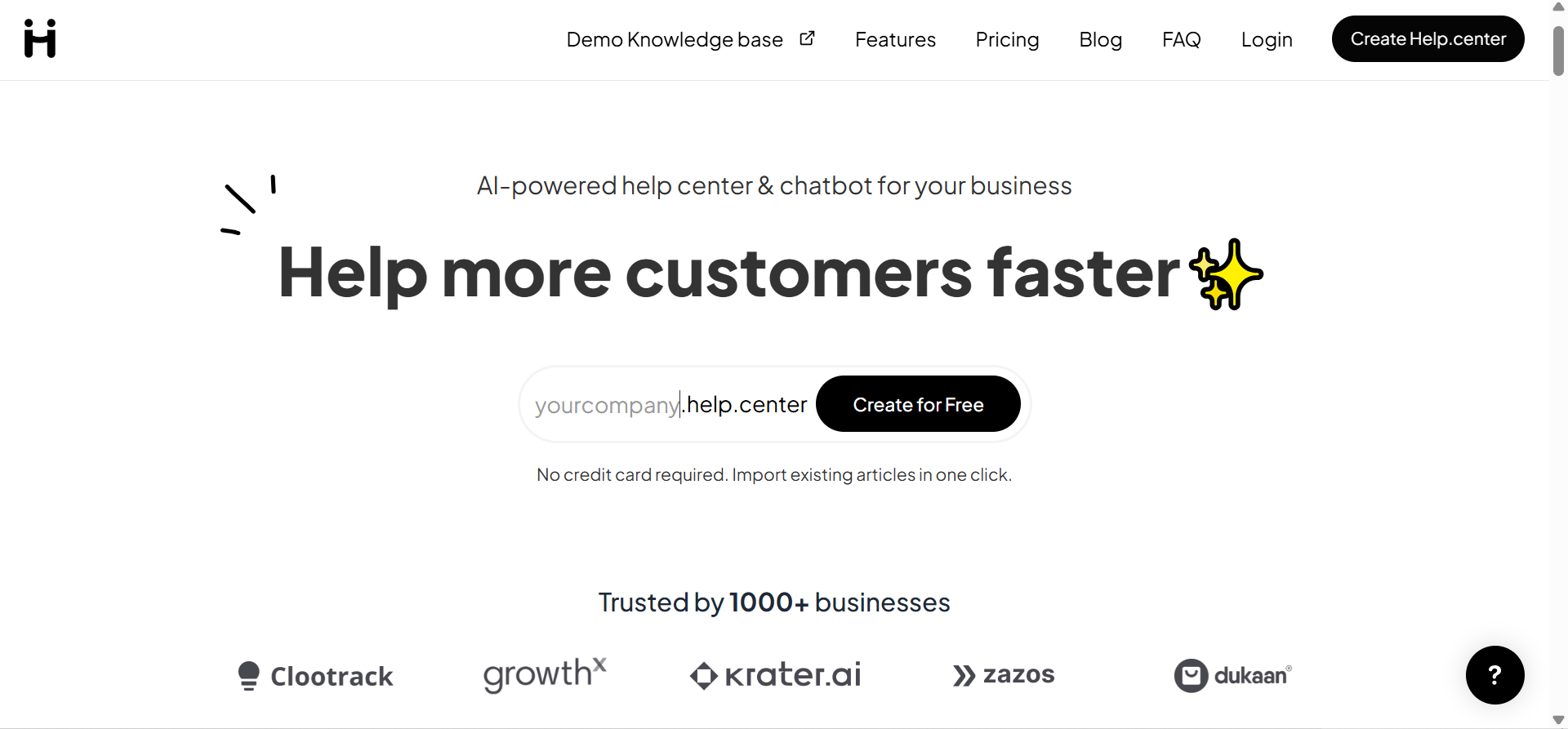
I decided to try Help.Center because I was getting tired of handling customer support the old way. Too many emails. Too many repeated questions. And honestly, too much time is wasted answering things that could be automated.
At first, I was not expecting much. There are many tools out there that promise to “fix” customer support, but end up being complicated or not very useful. Still, I gave this one a fair try.
After spending time with it, testing the features, and using it in a real setup, I started to understand why more businesses are moving towards it. This is not just another tool. It actually changes how you handle support.
Let me walk you through my experience.
1. My First Impression Was Better Than Expected
When I first logged into Help.Center, I was ready for confusion. Most tools like this come with too many buttons, settings, and things you do not understand right away.
But this one felt different. The layout was simple. Everything was where you would expect it to be. I did not have to click around for long, trying to figure things out.
What stood out to me was how quickly I could get started. There was no long setup process or technical barrier. I was already creating content within minutes.
That first experience matters more than people think. If a tool feels easy from the start, you are more likely to actually use it. And in this case, it made me want to explore more.
2. Building a Knowledge Base Was Surprisingly Easy
One of the first things I focused on was creating a knowledge base. This is where you store answers to common customer questions.
With Help.Center, the process was very straightforward. I started by listing the questions I get almost every day. Things like account setup, login issues, and basic usage.
Creating articles was simple. No complicated formatting. No technical skills needed. Just type, organize, and publish.
What I liked most was how clean everything looked once it was done. The articles were easy to read, well-organized, and simple for users to navigate.
After setting this up, I already knew it would save me a lot of time.
3. The AI Feature Actually Works in Real Situations
A lot of tools claim to use AI, but when you test them, they do not perform well. So I was a bit skeptical about this part.
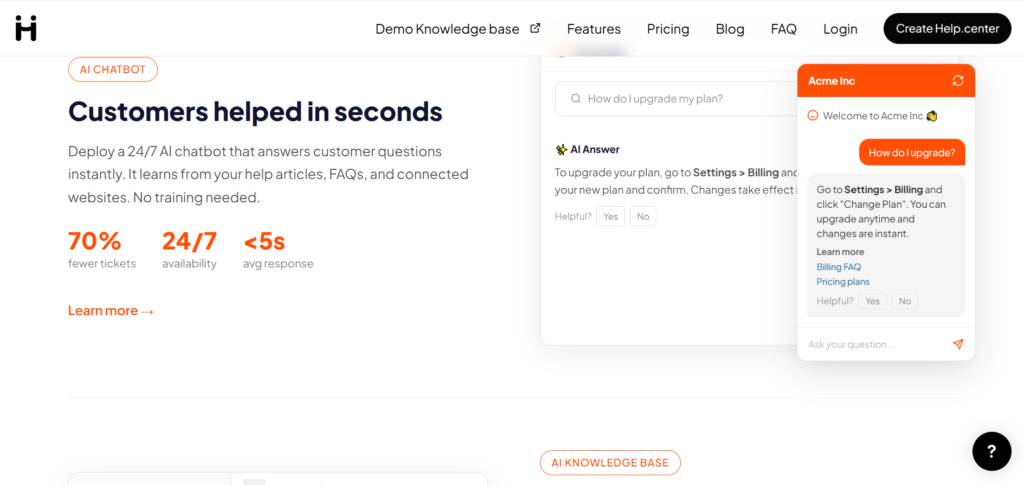
After adding enough content, I tested the AI inside Help.Center by asking common questions that customers usually ask me.
The responses were fast. More importantly, they were relevant. The system pulled answers directly from the content I had created.
It was not perfect every single time, but it handled most basic questions very well. And those are usually the ones that take up most of your time anyway.
It felt like having a support assistant that understands your business and responds instantly.
4. I Noticed a Real Drop in Repetitive Questions
Before using Help.Center, I was answering the same questions again and again. It was frustrating and time-consuming.
After setting everything up, I started to see a change. Customers were finding answers on their own. They were using the help center instead of sending messages.
This reduced the number of direct support requests I had to deal with. And the ones that came in were more serious or specific, which made my time more valuable.
This alone made the tool worth it for me.
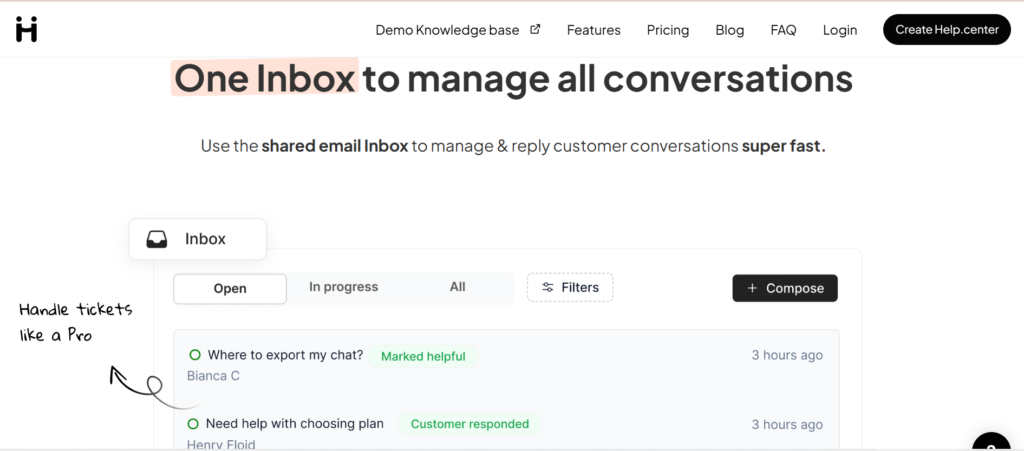
5. It Makes You Available Even When You Are Not Online
One of the biggest problems with traditional support is that it depends on you being available.
With Help.Center, that problem is reduced. The system continues to help customers even when you are offline.
The knowledge base answers most questions. The AI supports users instantly. So customers are not left waiting.
This creates a better experience. People feel like your business is always active and responsive, even if you are not there.
6. Integration With My Website Was Simple
I expected some level of difficulty when adding the help center to my website. Usually, this is where things get technical.
But with Help.Center, the process was smooth. The instructions were clear, and I did not need advanced skills to get it working.
In a short time, I had a working help section on my site. Visitors could easily access support without leaving the page.
This made everything feel more connected and professional.
7. The Design Makes Your Brand Look More Professional
Design matters more than people think. If your support system looks messy or outdated, it affects how people see your business.
The help center was created with Help.Center looks clean and modern. It is simple, but in a good way.
Everything is easy to read. Navigation is smooth. Customers can find what they need without confusion.
This improved the overall feel of my website and made my business look more trustworthy.
8. The Insights Helped Me Improve My Content
Another thing I found useful was the data.
Help.Center shows you what customers are searching for and which articles they are reading the most.
This helped me understand what people care about. I could see where they were getting stuck and what needed better explanation.
So I updated my content based on real data, not guesswork. Over time, this made the help center even more useful.
9. It Saves Money Without Cutting Quality
Customer support can become expensive as your business grows. Hiring more people is not always the best option.
With Help.Center, I realized I could handle more customers without increasing my costs.
The system takes care of repetitive tasks. This means you only spend time on important issues.
You still provide good support, but in a smarter and more efficient way.
10. It Feels Like a Long-Term Solution, Not a Quick Fix
Some tools work well at the beginning but become limiting as your business grows.
From my experience, Help.Center feels like something you can use for a long time.
It handles small workloads well, but it can also scale as your business grows. You do not need to switch tools later.
That kind of stability is important, especially if you are building something long-term.
Verdict
After spending real time with Help.Center, I can say it is more than just a basic support tool.
It helped me reduce repetitive work, respond faster, and improve the way I handle customer support overall. The AI works well for common questions, the setup is simple, and the system feels reliable.
It is not perfect, and it still depends on the quality of the content you create. But once you set it up properly, it does a lot of the heavy lifting for you.
If you are serious about improving your customer support without hiring a large team, this is a tool worth trying.
2 thoughts on “Why Smart Businesses Are Switching to Help.center for Customer Support”